
For Frogwatch V2 vibration sensors
New firmware is available for the Frogwatch V2 vibration sensors: version 1.7.0. The Frogwatch Dashboard has also grown a lot since our last update. Here are the main changes.
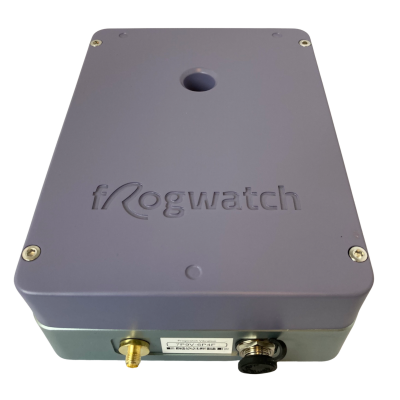
Firmware 1.7.0
- Scheduled start and stop times. A start or stop time around midnight or on a Sunday now always works as configured.
- SBR B follows local time. The day, evening and night periods shift with daylight saving time.
- More accurate SBR A assessment. The calculation of the percentage of the standard is refined. On average it differs 0.5% from the previous version.
- Clearer when settings change. New settings only take effect after all older measurements have been sent. This keeps old and new measurements apart.
How do I update my meters?
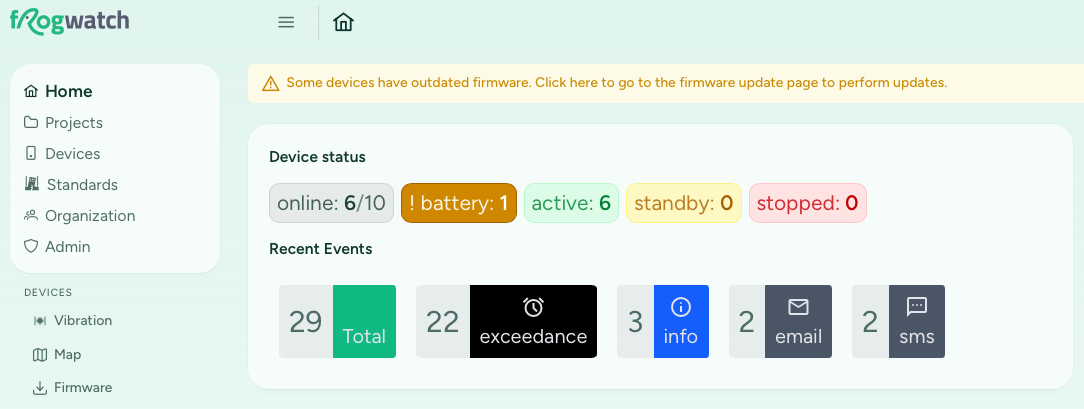
Does your organization have meters with older firmware? The Dashboard home page shows a notice. Click it to go straight to the firmware page.
- Log in to the Frogwatch Dashboard and go to
Devicesand thenFirmwarein the main menu. - Select the meters you want to update and click
Update Selection. - The recommended version 1.7.0 is already selected. Click
Update. - The next time the meter connects, it downloads the update and restarts. An active measurement pauses for a few minutes and then continues by itself.
The manual explains the LED signals during an update.
New in the Dashboard
Setting up a project
- A new project has a getting started page that guides you through the settings, the measurement configuration and reporting.
- The search bar now also finds pages, clusters and measuring points.
- Edit the name, description and location of a measuring point directly in the table on the
Measurement Configpage. - The location picker opens on the project area, shows the other measuring points and has an address search. You can also paste GPS coordinates, for example from Google Maps.
- All alarm contacts are set in one place: the
Measurement Configpage. - On a phone, the measurement configuration is split into tabs.
Data and reporting
- Reports download faster, because they are stored. Use the regenerate button to create a fresh version.
- The new Active days per measuring point panel shows on which days each measuring point measured, with CSV export.
- The SBR B results table now also shows Vmax. The threshold for the activity duration (Tb) is configurable, and you can override Tb by hand.
- The SBR A CSV export now includes the frequencies and percentages.
- Triggered traces can record up to 30 seconds before and after the trigger.
Other
- API keys can be limited to specific projects.
- Your organization's logo is shown at the bottom of every page.
We also made many smaller improvements and bug fixes, for example in the CSV export of traces and the sending of report emails.
Spotted something that could be better? Let us know!