Introduction
The Frogwatch Dashboard offers powerful capabilities for monitoring and analyzing vibration data. This is the first article in the series Tips & Tricks where we share useful tips and tricks to get the most out of your dashboard.
Tip 1: Use the search function to quickly navigate to projects and meters
Click on the magnifying glass in the top right or type / (slash) to activate the search function.

In this popup you can search by:
- Project name
- Meter name
- Meter ID
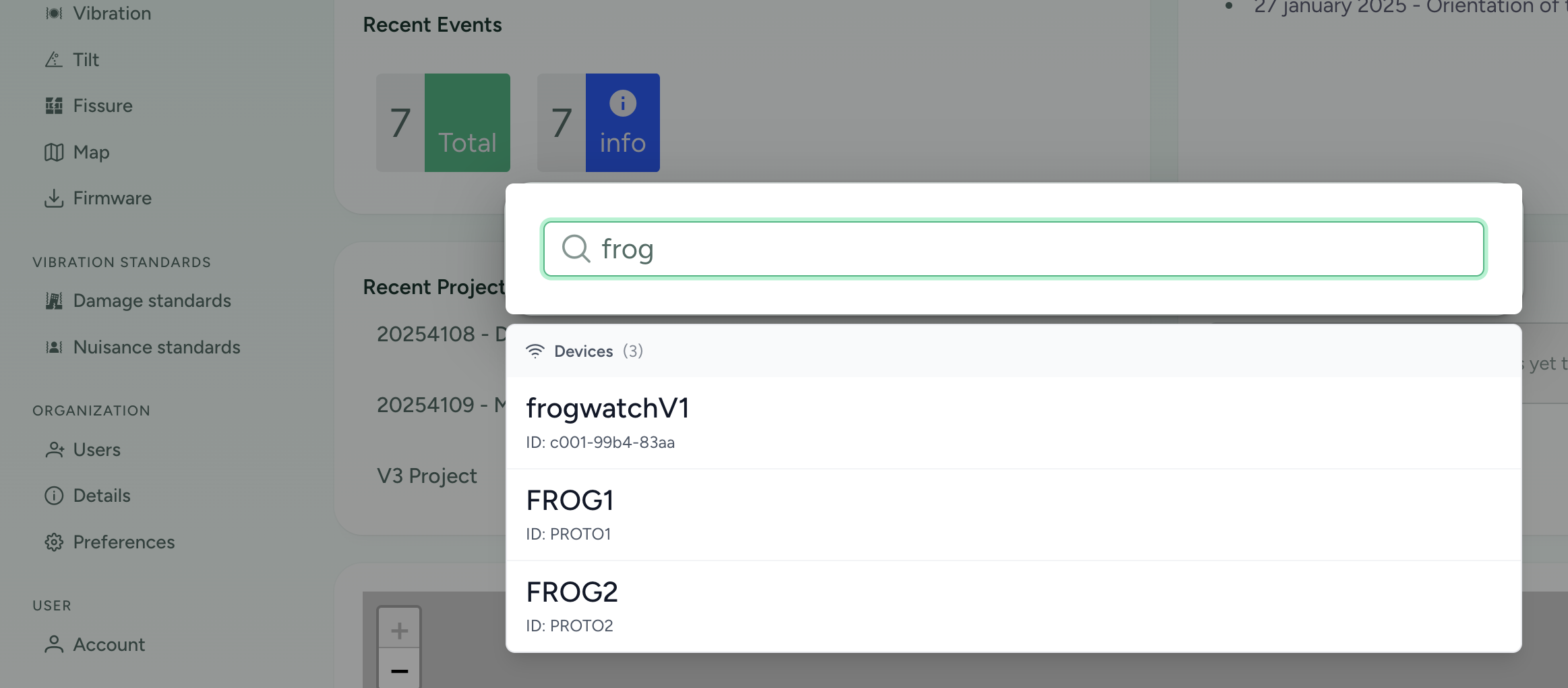
Use the arrow keys to browse through the list. Press enter to navigate to the page.
Tip 2: Recent Projects
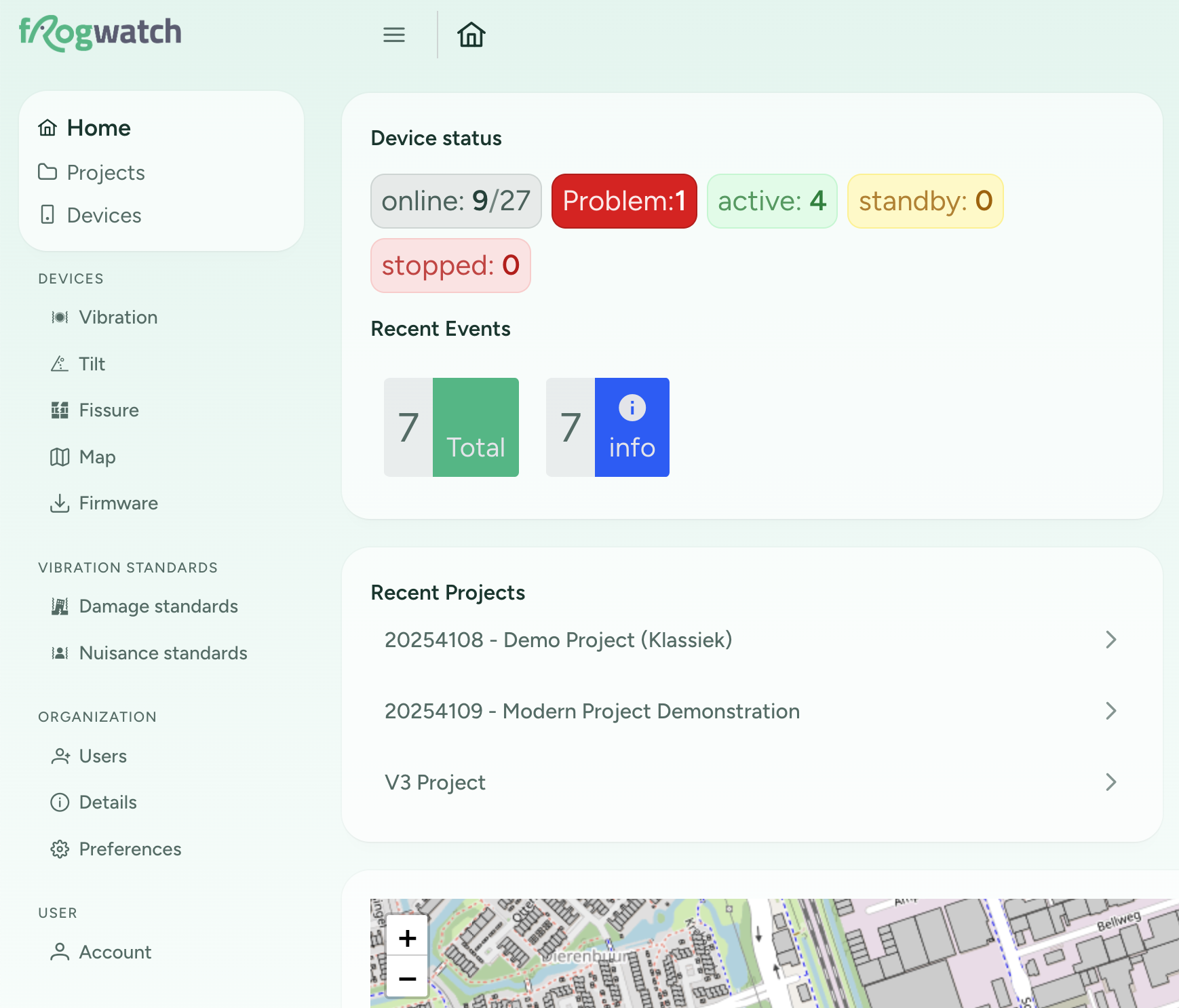
On the "Home" page you will now find a list of recent projects. At the top is the project you most recently visited.
Tip 3: Hide the sidebar for more horizontal space
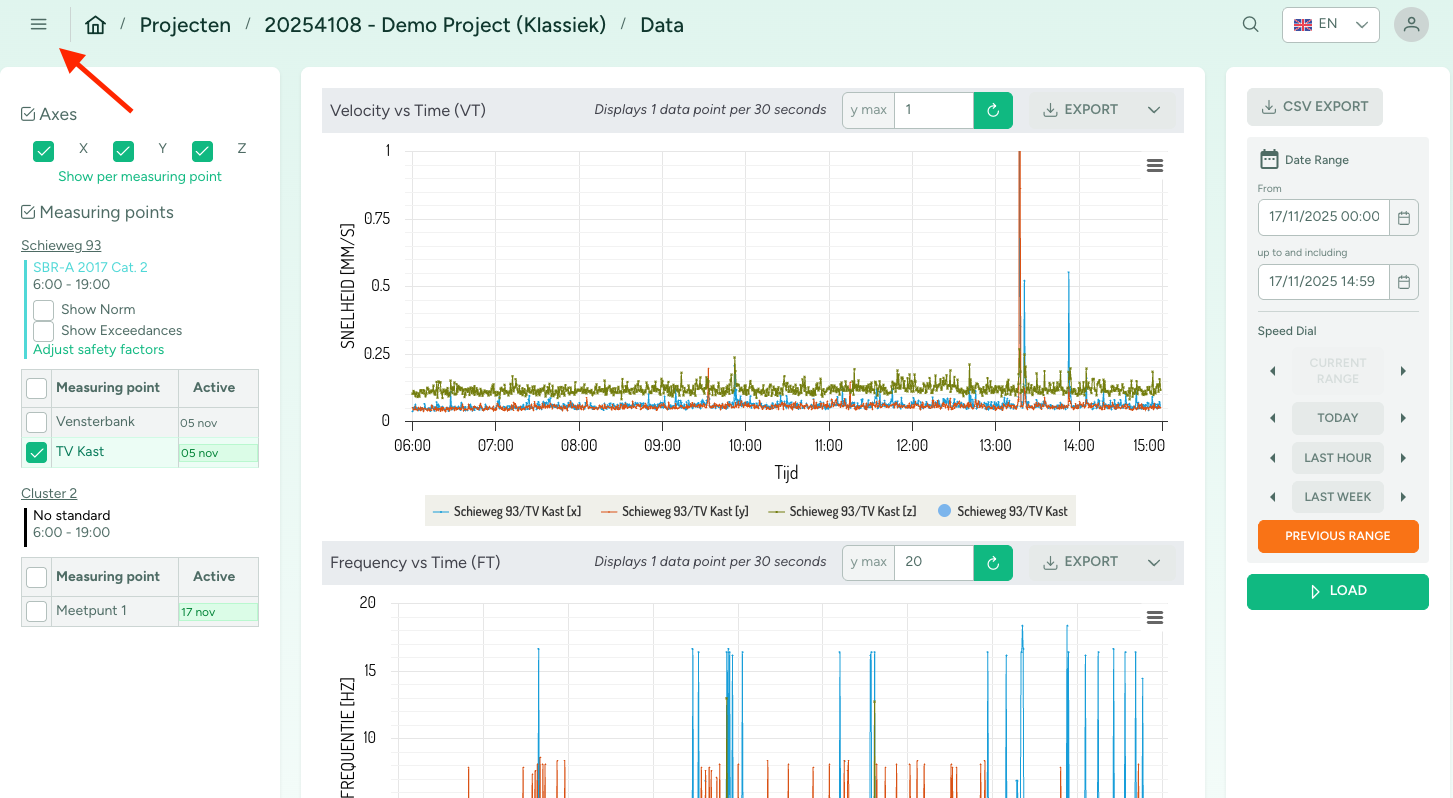
Click on the hamburger menu button to hide the sidebar. This will give you more horizontal space for your graphs.