Access
Users
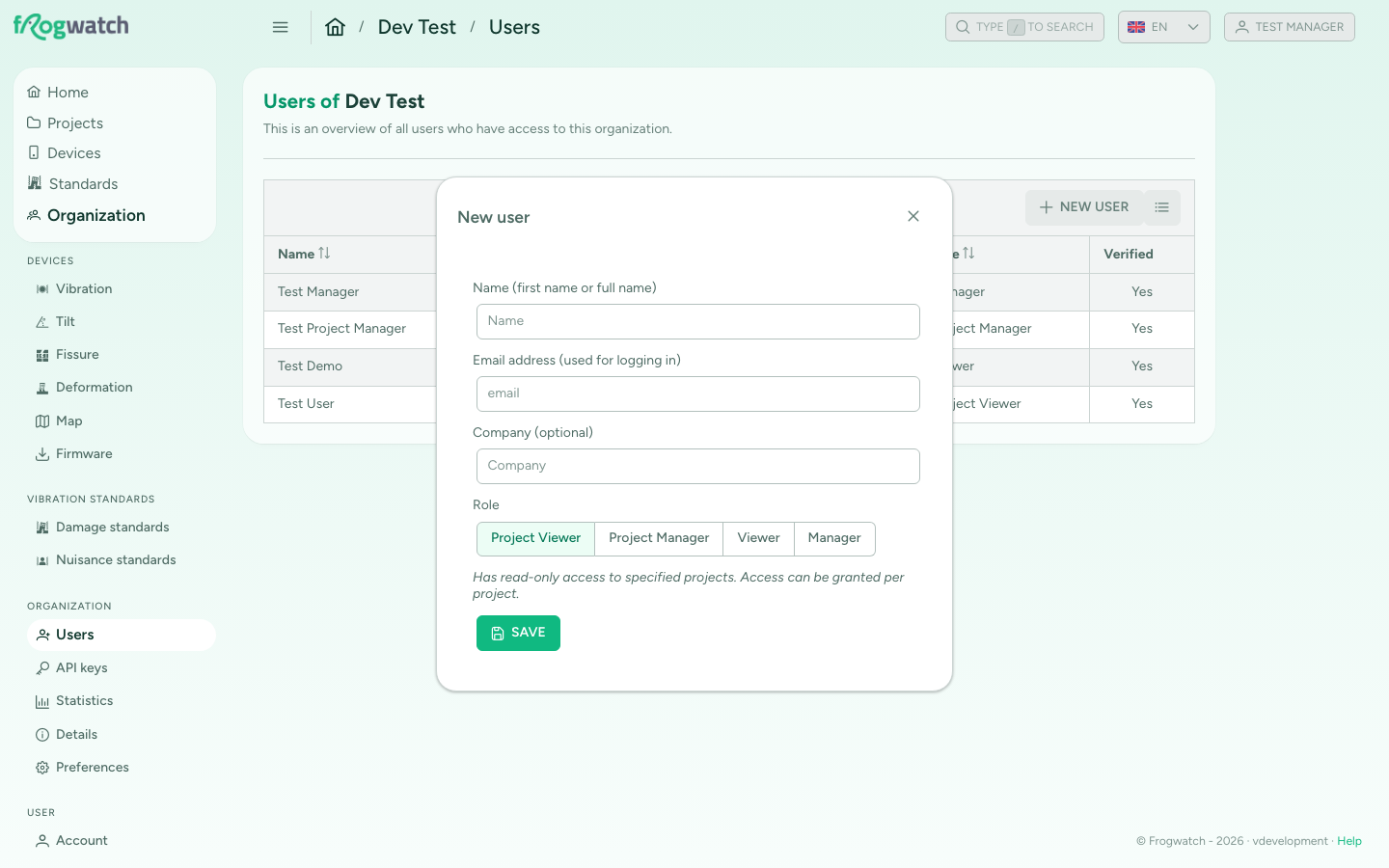
As an organization within Frogwatch, you can grant access and permissions to other users yourself. You do this in the Organization main menu, under Users. There are 4 roles available:
Managerhas all permissions within the organization: read, create, edit and delete, users included.Project Managerhas all permissions within the projects this user has been added to.Viewerhas read access to all projects and settings of the organization, but cannot change anything.Project Vieweronly has read access within the projects this user has been added to. This is mainly intended for clients who would like to follow specific projects.
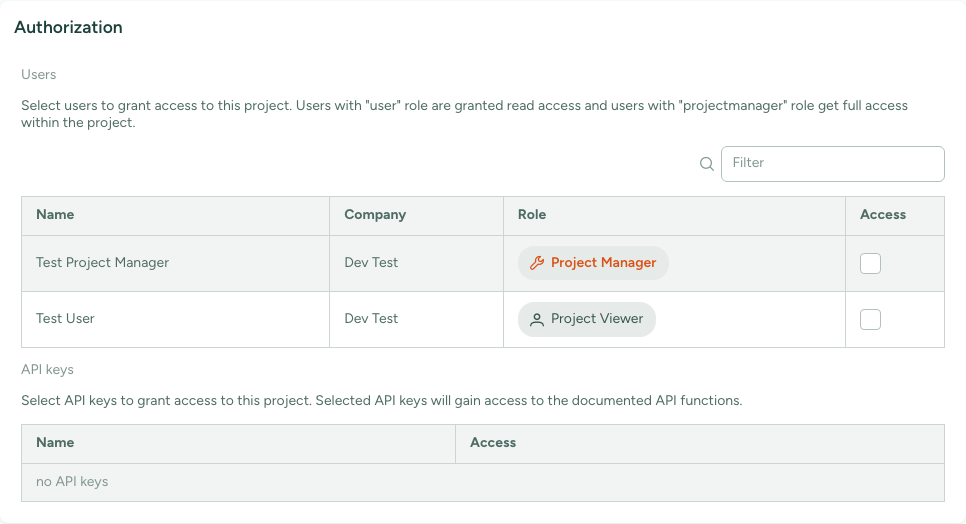
You add project managers and project viewers per project, in General Settings under Authorization: tick Access for who may see the project. There you also give API keys access to the project.
A new user automatically receives an email with a link to create a password.
 .
Contacts
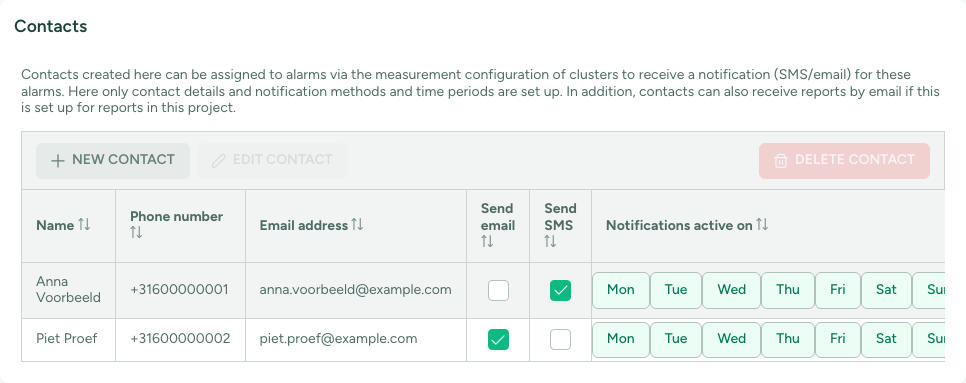
Besides users, there are also contacts. A contact cannot log in to the Dashboard, but can receive information in the form of emails and SMS messages. Messages can be sent when exceedances of a standard are measured, or when a new report with vibration data is available.
Unlike users, contacts are set per project, in General Settings under Contacts. When you define a new contact, you must fill in an email address and/or a phone number. You must also explicitly indicate whether emails and/or SMS messages should be sent. This lets you turn notifications on or off for this contact. There is also a notification mask that indicates on which days messages may be sent. For example, only on the days that a contact is at work.